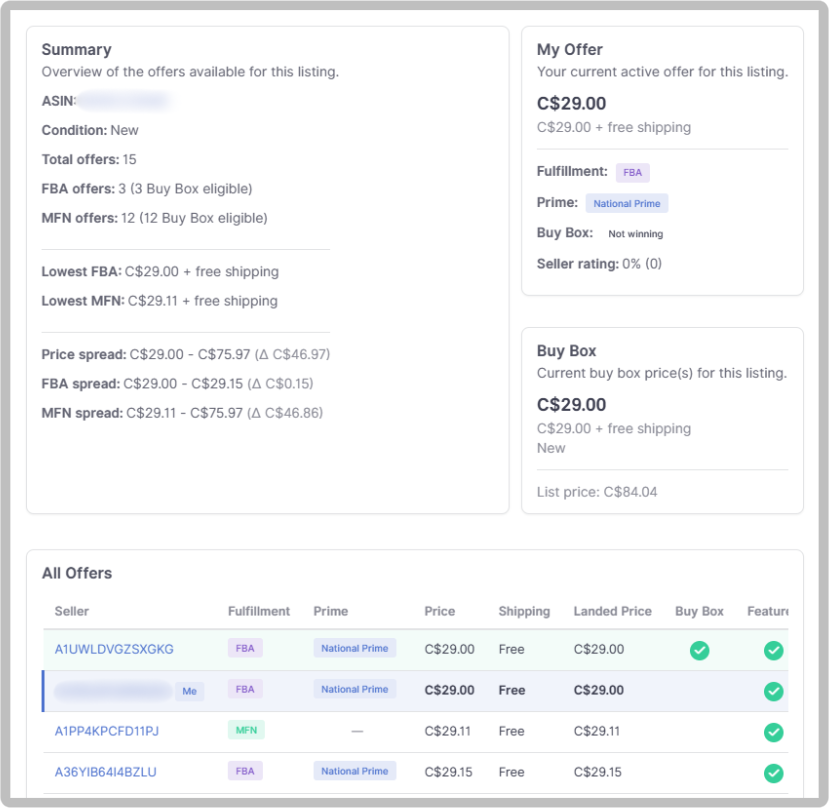
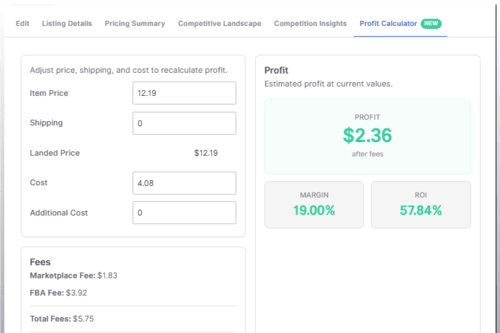
We've added a new Competitive Landscape view to see every seller competing on the same listing. Their prices, fulfillment methods, Buy Box status, and more.
With this update, you're able to:
Access it from the Actions menu on any listing, or click the Buy Box or Competition values directly on the Listings page. For a more detailed breakdown of the Competitive Landscape feature, check out the Help Center article .

Informed Repricer helps professional sellers on Amazon and Walmart increase their sales and profits by keeping their prices competitive 24/7.