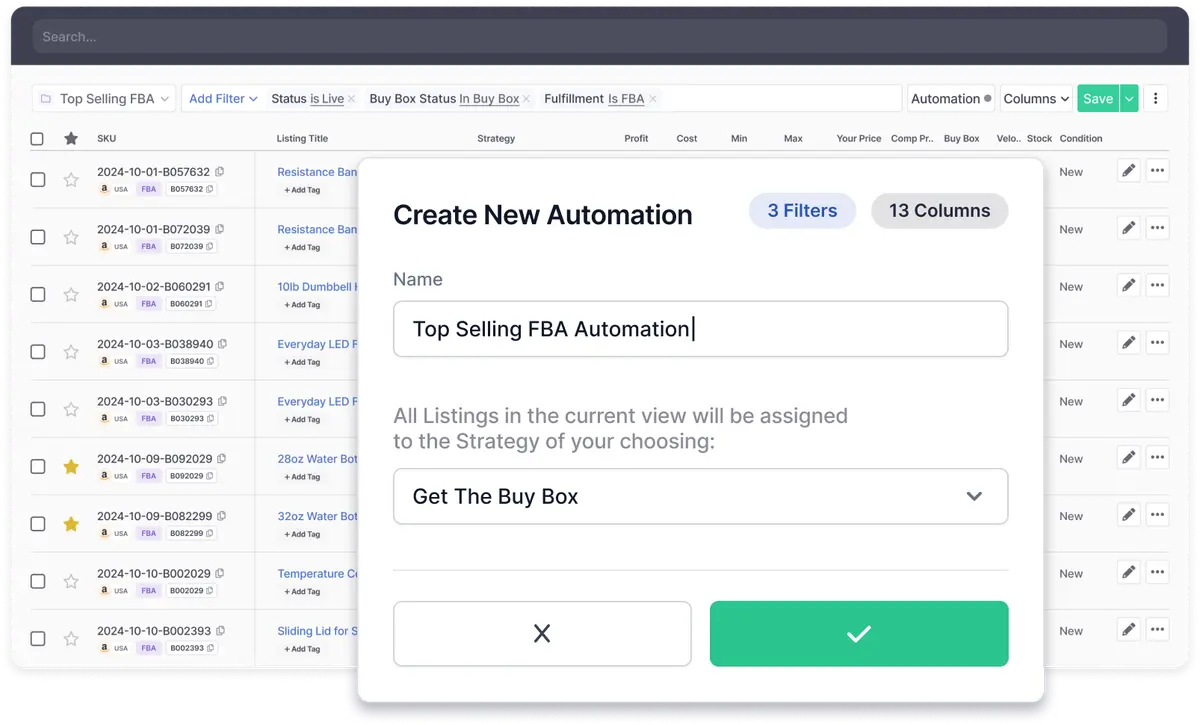
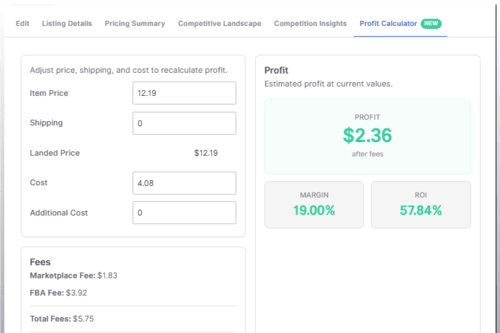
With Strategy Automation, you can set rules to adjust your pricing strategy in real time. To make this feature even more powerful, we’ve introduced two new filters:
Simply select your filters, save your custom view, and let Strategy Automation handle the rest.
What kind of Strategy Automation can I set up?
Here are some examples of automations you can create using Strategy Automation and the new filters:
Need help getting started? Check out our Help Center Article.
We’re excited to see how you use Strategy Automation and these new filters to optimize your repricing strategies. Stay tuned, we’re continuing to make this feature even more powerful!

Informed Repricer helps professional sellers on Amazon and Walmart increase their sales and profits by keeping their prices competitive 24/7.